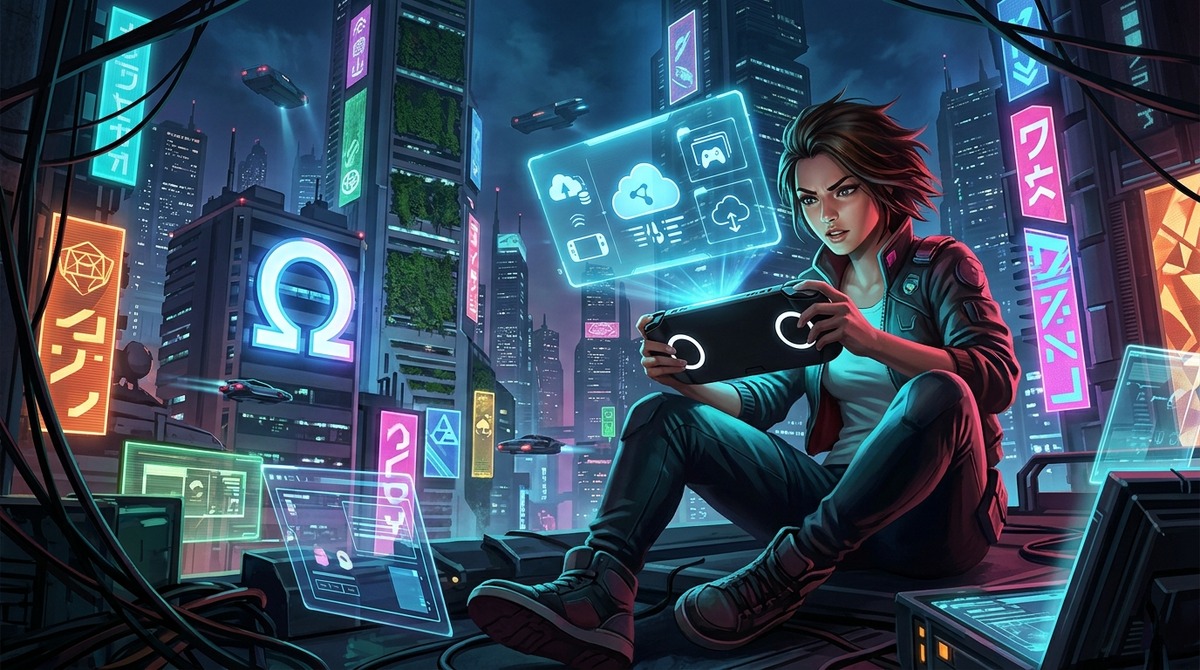
PlayStation Portal 2.0: Sony Revolutionizes Mobile Streaming with 1080p HQ and Smart Store
With update 22.0.0, PlayStation Portal evolves into a full-fledged streaming platform boasting 1080p High Quality mode, an intelligent store interface, and features that transform mobile gaming.
Sony has just detonated the portable cloud gaming landscape. The latest PlayStation Portal update isn't just a patch – it's a full-blown revolution that transforms a simple 8-inch screen into a powerhouse capable of delivering 1080p High Quality streaming, directly challenging dedicated platforms like Xbox Cloud Gaming and GeForce NOW. This isn't merely an incremental upgrade; it's a transformative evolution that redefines mobile gaming.
| Title | PlayStation Portal |
|---|---|
| Genre | Streaming Device / Remote Play |
| Developer | Sony Interactive Entertainment |
| Publisher | Sony Interactive Entertainment |
| Release Date | 2023 |
| Platforms | PlayStation Portal |
| Cover Image | PlayStation Portal |

Najważniejsze informacje w pigułce:
- The 1080p High Quality mode revolutionizes streaming quality, aggressively targeting Xbox Cloud Gaming and GeForce NOW.
- The intelligent PlayStation Store allows instant edition selection, eliminating frustrating navigation.
- Portal evolves from a mere screen into a serious competitor for Steam Deck and PC handhelds, offering full PlayStation Plus Premium cloud access.
- Sony's update positions Portal as a standalone platform within the PlayStation ecosystem.
Version 22.0.0 represents a true revolution in mobile gaming. Sony doesn't just boost visual fidelity; it introduces groundbreaking store features that redefine how players explore the PlayStation Plus Premium library. This isn't a minor update – it's a paradigm shift that could redefine the portable device market. The 1080p High Quality mode is more than a marketing slogan. Increased bitrate delivers a genuine revolution in game perception, especially in open-world titles.
This translates to fewer artifacts, better texture rendering, and smooth 60 fps performance that effectively silences competitors' limitations. Tired of navigating clunky product pages? Sony finally listens. The revamped Portal store lets you pick game editions instantly, cutting unnecessary clicks. This seemingly minor tweak dramatically shortens the path from decision to gameplay. Portal is no longer PS5's poor cousin. It's a standalone platform leveraging PlayStation's ecosystem.
1080p High Quality – A New Visual Paradigm
Tryb High Quality 1080p to przełom, który szczególnie docenią miłośnicy gier z otwartym światem. Zwiększony bitrate nie tylko redukuje artefakty kompresji, ale również poprawia odwzorowanie tekstur w dynamicznych scenach. Płynność 60 fps staje się normą, co skutecznie zagłusza ograniczenia konkurencyjnych platform. W praktyce granie staje się bardziej immersyjne, szczególnie w tytułach wymagających precyzji, takich jak strzelanki czy rywalizacyjne gatunki.
Inteligentny PlayStation Store – Sztuka Wyboru
Nie masz czasu na przeczesywanie zbiorczych stron produktów? Brzmi znajomo. Sony w końcu słucha graczy – nowy sklep na Portalu pozwala wybrać edycję gry od razu, eliminując niepotrzebne kliknięcia. To pozornie drobna zmiana, która w praktyce skraca drogę od decyzji do rozgrywki. Nowe filtry i kategorie pozwalają na szybkie odnalezienie interesujących tytułów, a integracja z subskrypcją PS Plus Premium sprawia, że dostęp do biblioteki jest płynny i intuicyjny.
Cyfrowa Ewolucja – Od Ekranu do Platformy
Portal nie jest już ubogim krewnym PS5. To samodzielna platforma, która wykorzystuje siłę ekosystemu PlayStation. Dzięki aktualizacji, urządzenie staje się poważnym graczem na rynku handheldów, szczególnie dla tych, którzy cenią dostęp do pełnej biblioteki bez konieczności segregowania kolekcji. Możliwość korzystania z Remote Play z własnych gier PS5 tylko potwierdza jego wszechstronność.
Technologiczne Dźwignie Sukcesu
Sony inwestuje w nowoczesne rozwiązania streamingowe, które nie tylko poprawiają jakość obrazu, ale również redukują opóźnienia. Optymalizacja kodeków i zastosowanie adaptacyjnego strumieniowania to kluczowe elementy, które sprawiają, że granie na Portalu jest płynne nawet w trudnych warunkach sieciowych. Przy stabilnym połączeniu minimum 15 Mbps, urządzenie radzi sobie znakomicie, co potwierdzają testy porównawcze z konkurencyjnymi rozwiązaniami.
Ekosystem i Przyszłość
PlayStation Portal to nie tylko hardware – to otwarcie na ekosystem Sony, który obejmuje bogatą bibliotekę PS Plus Premium, ekskluzywne tytuły i regularne aktualizacje. Przyszłość urządzenia może wiązać się z dalszymi ulepszeniami, takimi jak wsparcie dla bardziej zaawansowanych kontrolerów czy nowe funkcje społecznościowe. Dla Sony jest to strategiczny ruch, który umacnia jej pozycję na rynku przenośnych technologii.
Testy Porównawcze i Odbiór
PlayStation Portal po aktualizacji 22.0.0 wychodzi naprzeciw oczekiwaniom nawet najbardziej wymagających graczy. Porównania z konkurencyjnymi rozwiązaniami, takimi jak Xbox Cloud Gaming czy GeForce NOW, wyraźnie pokazują przewagę Sony w zakresie stabilności obrazu i możliwości dostępu do bogatej biblioteki PS Plus Premium. Testy wykazują, że nawet w warunkach sieciowych z przepustowością na poziomie 15-20 Mbps, jakość transmisji utrzymuje się na wysokim poziomie.
Dostępność i Cena
PlayStation Portal is available in most regions where PlayStation Plus Premium is offered. The device is priced competitively within the premium handheld segment, typically ranging between $350-$450, positioning it as a serious contender against PC handhelds and dedicated portable consoles. For many Sony enthusiasts, Portal represents the perfect companion to their home setup, enabling seamless access to favorite titles on the go.
Podsumowanie Zalet
PlayStation Portal 2.0 isn't just another update – it's a breakthrough that changes how we perceive mobile streaming. The advantages are undeniable: 1080p HQ streaming quality, an intelligent store interface, full access to the PlayStation Plus Premium library, and unmatched versatility. For Sony, this is a strategic move that could transform the portable device market and solidify its position as an industry leader.
FAQ
How to enable 1080p mode?
The update is automatic. Go to Settings → Display and select